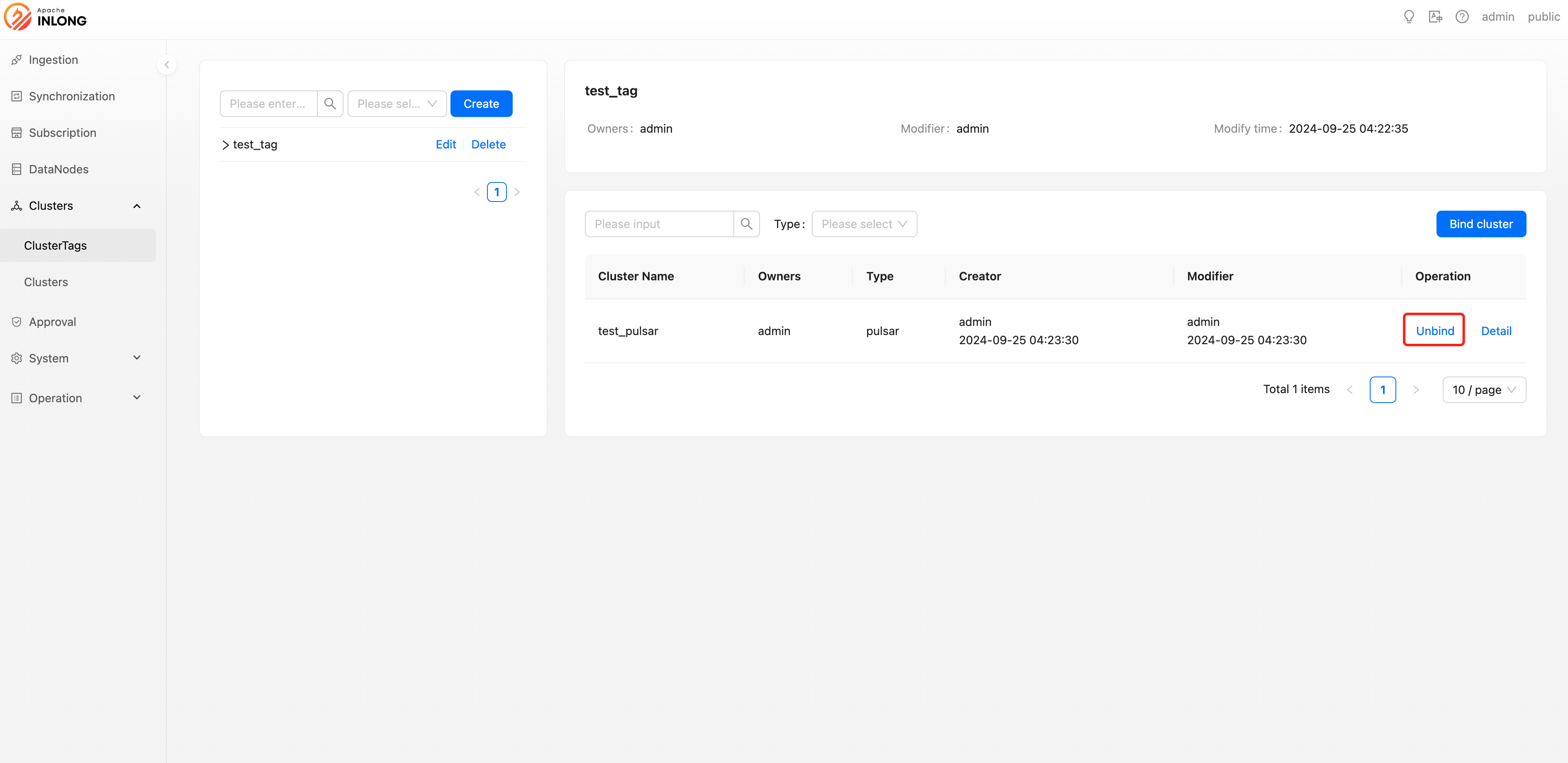
Tag Management
Tag management allows system administrators or tenant administrators to create, modify, and delete cluster tags, as well as bind and unbind cluster information to these tags. Below is a detailed operation guide.
Create cluster tag
Users with system administrator or tenant administrator privileges can create new cluster tags. When creating, the following information needs to be filled in:
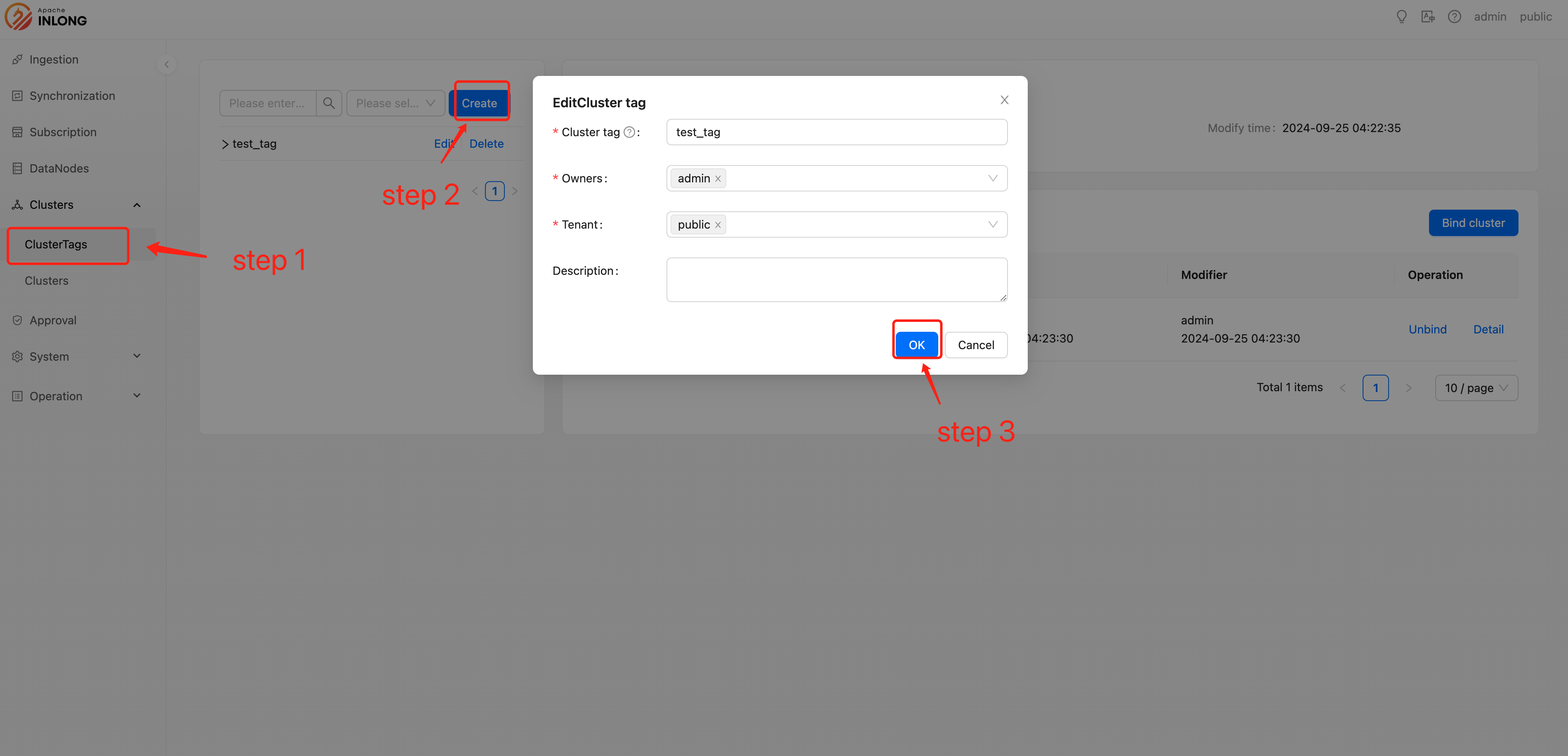
- Cluster tag:A custom name used to uniquely identify this tag.
- Owners:Specifies the person responsible, who alone can modify the configuration information of this tag.
- Tenant:Specifies the tenant to which it belongs, ensuring that only users under the corresponding tenant can see this tag.
- Description:Provide a brief description of the cluster tag.
Delete cluster tag
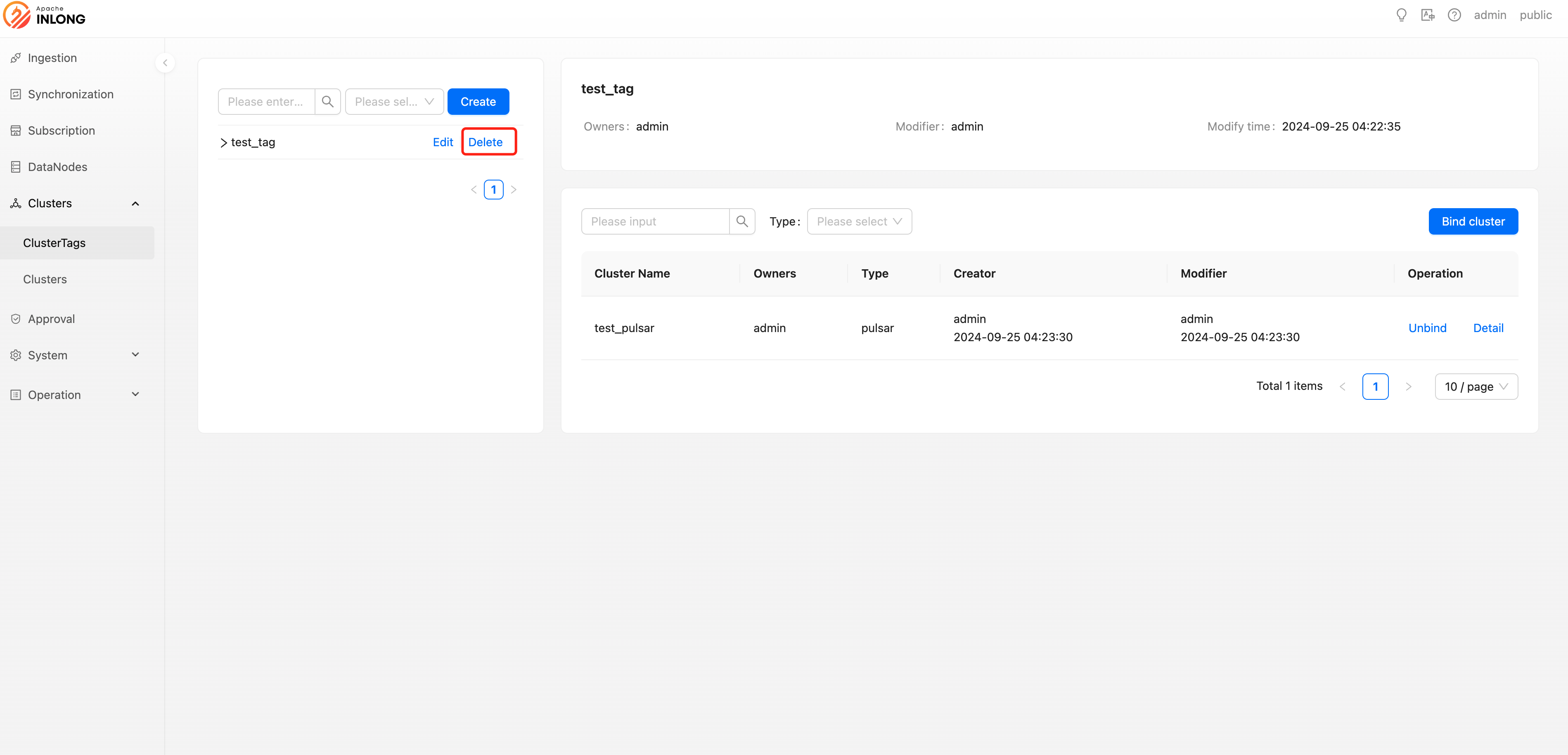
System administrators or tenant administrators have the right to delete cluster tags that are no longer needed. Once deleted, the tag will no longer be available.
Update cluster tag
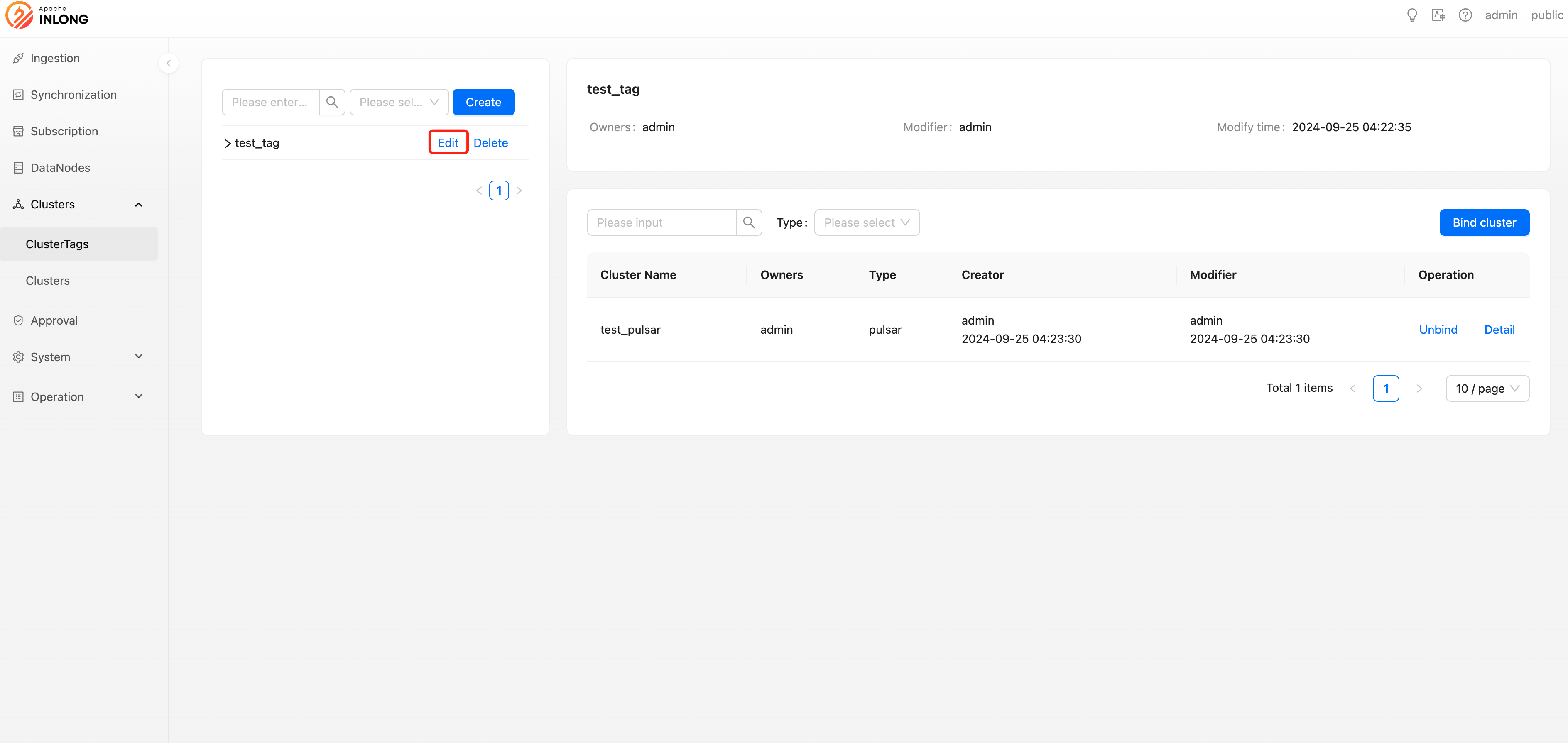
If you need to update the information of a cluster tag, system administrators or tenant administrators can perform modification operations.
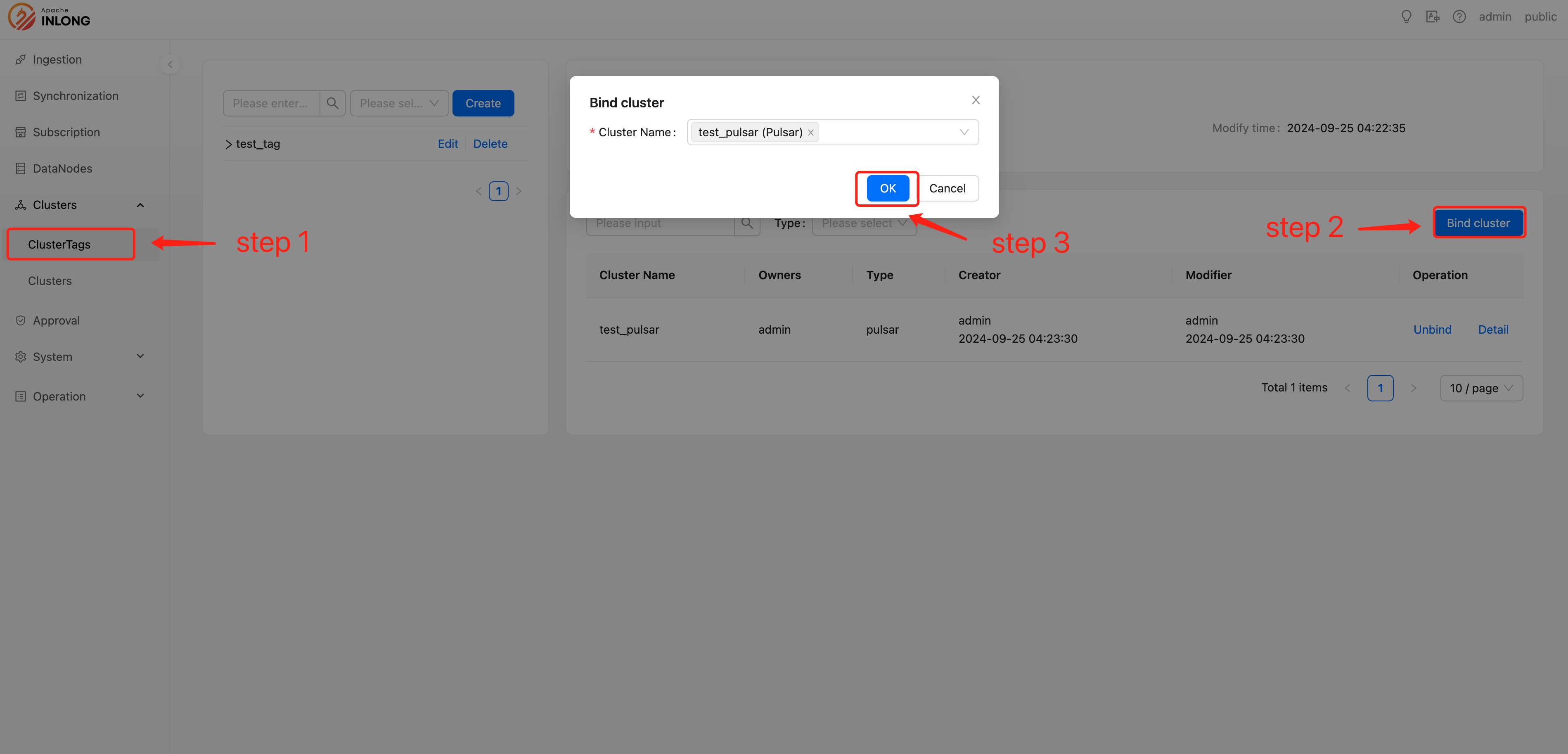
Bind cluster
Administrators can bind created cluster tags with specific cluster information for classification and management purposes.
Unbind cluster
When adjustments are needed for the association of cluster tags, administrators can perform unbinding operations to remove clusters from a certain tag.